

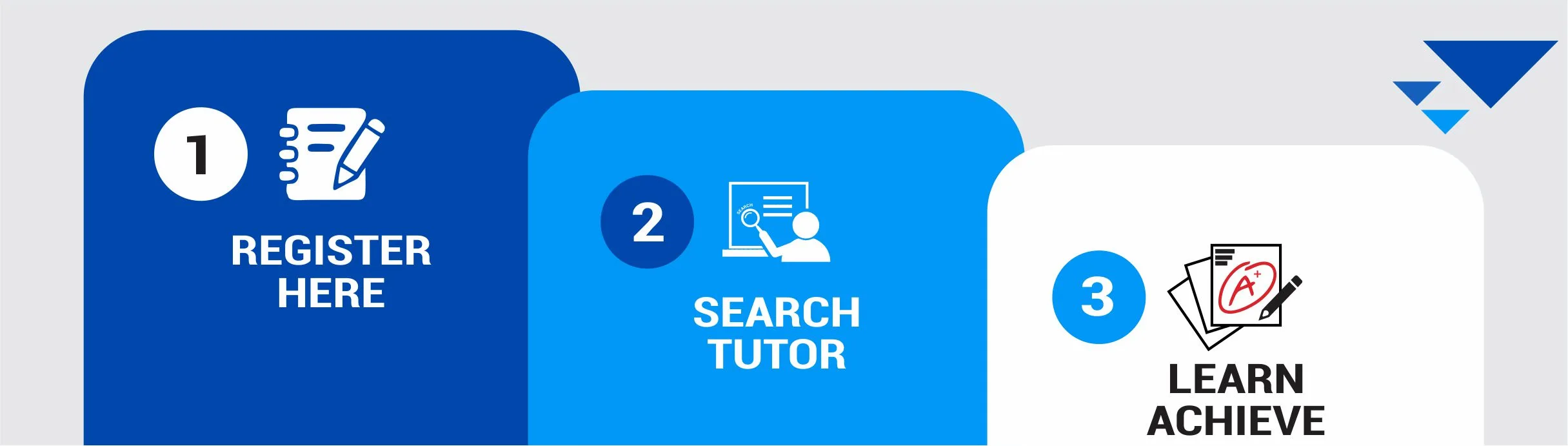
 Start by registering on our platform and posting your
tuition requirements.Choose between a Free Membership and a Premium
Membership. Free members can browse available tuitions, while Premium
members gain instant access to full tutor contact details—enabling faster
communication and quicker demo arrangements.Once registered, you can post your tuition needs based
on your subjects, location, mode (online/offline), and preferred schedule.
Our system intelligently matches you with qualified
tutors suited to your needs.To
access contact details of tutors and connect with them, upgrade to a Premium
Membership.Premium users enjoy faster access, direct communication,
and quick demo scheduling with tutors.After upgrading, you'll receive Connects as part of your
subscription.Each time you view a tutor's full profile (with contact
info), 1 Connect will be deducted.Use your Connects wisely to choose the most suitable
tutor based on your preferences.Once you’ve found the right tutor, reach out, schedule a
demo, and start learning.Our platform ensures a safe, reliable, and efficient
connection between students and tutors.Finding the right tutor on IMTutor is simple, powerful,
and tailored to your exact needs.
Start by registering on our platform and posting your
tuition requirements.Choose between a Free Membership and a Premium
Membership. Free members can browse available tuitions, while Premium
members gain instant access to full tutor contact details—enabling faster
communication and quicker demo arrangements.Once registered, you can post your tuition needs based
on your subjects, location, mode (online/offline), and preferred schedule.
Our system intelligently matches you with qualified
tutors suited to your needs.To
access contact details of tutors and connect with them, upgrade to a Premium
Membership.Premium users enjoy faster access, direct communication,
and quick demo scheduling with tutors.After upgrading, you'll receive Connects as part of your
subscription.Each time you view a tutor's full profile (with contact
info), 1 Connect will be deducted.Use your Connects wisely to choose the most suitable
tutor based on your preferences.Once you’ve found the right tutor, reach out, schedule a
demo, and start learning.Our platform ensures a safe, reliable, and efficient
connection between students and tutors.Finding the right tutor on IMTutor is simple, powerful,
and tailored to your exact needs.Our intelligent search system helps you filter tutors by:
Location (e.g., Aligarh)Course / Grade (e.g., 2nd, 5th & 10th, Diploma, BTech
and BSC)Subject (e.g., PCMB, DSA, Botany and Zoology)Preferred Mode (Online, Student Home, Tutor Home,
Institute)Preferred Time (Morning, Evening, Afternoon, Night)Preferred Gender (Both, Male, Female)Browse detailed tutor profiles based on your filters. You’ll see their qualifications, teaching mode, availability, and more.
Free users can explore tutor listings. Premium users can view full contact details and reach out immediately to schedule demo sessions.
Tutors who offer demo sessions will have it clearly mentioned on their profile, such as “Demo Available: 1-5 Days”.
If a tutor does not offer any demo session, their profile will display “Demo not available”. This helps students and parents make informed decisions before initiating contact.
After a successful demo, negotiate fees and finalize the schedule directly with the tutor.
Providing feedback on the tutor after sessions helps
improve the community—your input supports other students and parents in
choosing the best tutors.With a dedicated tutor guiding the student, consistent
improvement is often seen. You can witness the performance boost firsthand
and ensure learning goals are met.Private tutoring often leads to great results. You’ll
see noticeable improvements with the right tutor.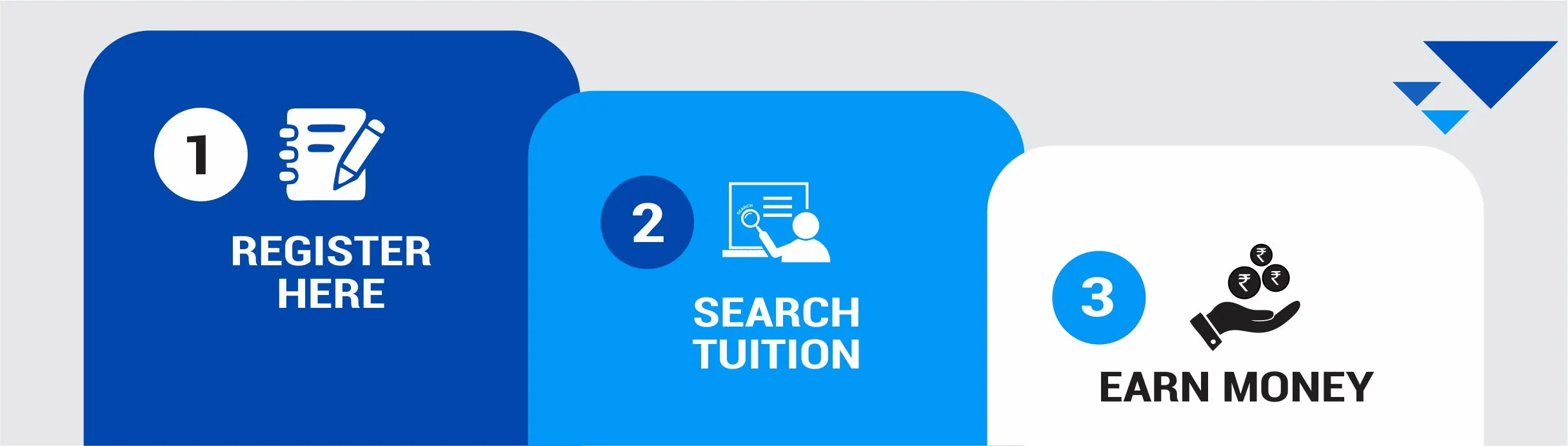 Register as a tutor on IMTutor and create a complete profile with your
qualifications, experience, teaching style, and availability.
Choose between a Free Membership and a Premium Membership. Free members can
browse available tuitions, while Premium members gain instant access to full
tuition contact details—enabling faster communication and quicker demo
arrangements.
Once registered, you can post your offering needs based on your subjects,
location, mode (online/offline), and preferred schedule.
Our system intelligently matches you with qualified tuition suited to your
needs.
To access contact details of tuitions and connect with them, upgrade to a
Premium Membership.
Premium tutors enjoy faster access, direct communication, and quick demo
scheduling with students/parents.
After upgrading, you'll receive Connects as part of your subscription.
Each time you view a student's full profile (with contact info), 1 Connect
will be deducted.
Use your Connects wisely to choose the most suitable tuition based on your
preferences.
Once you’ve found the right tuition, reach out, schedule a demo, and start
teaching.
Our platform ensures a safe, reliable, and efficient connection between
students and tutors.
Finding the right tutor on IMTutor is simple, powerful, and tailored to your
exact needs.
Register as a tutor on IMTutor and create a complete profile with your
qualifications, experience, teaching style, and availability.
Choose between a Free Membership and a Premium Membership. Free members can
browse available tuitions, while Premium members gain instant access to full
tuition contact details—enabling faster communication and quicker demo
arrangements.
Once registered, you can post your offering needs based on your subjects,
location, mode (online/offline), and preferred schedule.
Our system intelligently matches you with qualified tuition suited to your
needs.
To access contact details of tuitions and connect with them, upgrade to a
Premium Membership.
Premium tutors enjoy faster access, direct communication, and quick demo
scheduling with students/parents.
After upgrading, you'll receive Connects as part of your subscription.
Each time you view a student's full profile (with contact info), 1 Connect
will be deducted.
Use your Connects wisely to choose the most suitable tuition based on your
preferences.
Once you’ve found the right tuition, reach out, schedule a demo, and start
teaching.
Our platform ensures a safe, reliable, and efficient connection between
students and tutors.
Finding the right tutor on IMTutor is simple, powerful, and tailored to your
exact needs.
Our intelligent search system helps you filter tuitions by:
Location (e.g., Aligarh)Course / Grade (e.g., 2nd, 5th & 10th, Diploma, BTech
and BSC)Subject (e.g., PCMB, DSA, Botany and Zoology)Preferred Mode (Online, Student Home, Tutor Home,
Institute)Preferred Time (Morning, Evening, Afternoon, Night)
Preferred Gender (Both, Male, Female)Browse detailed student profiles based on your filters. You’ll see their tuition needs, teaching mode, availability, and more.
Free users can explore student listings. Premium users can view full contact details and reach out immediately to schedule demo sessions.
You can choose to offer demo sessions to students. This helps them experience your teaching style before making a decision. If you offer a demo, your profile will display a message such as: “Demo Available: 1–5 Days.”
If you do not offer demo classes, your profile will display: “Demo Not Available.” This helps students and parents make informed decisions before reaching out.
After a successful demo session, you can negotiate the tuition fee and finalize the teaching schedule directly with the student or parent.
 Students
 Tutors